
Technical files, ready for the workbench.
Browse the current Wismaco product-document library, preview each file and download the reference you need for early project evaluation.
Browse the library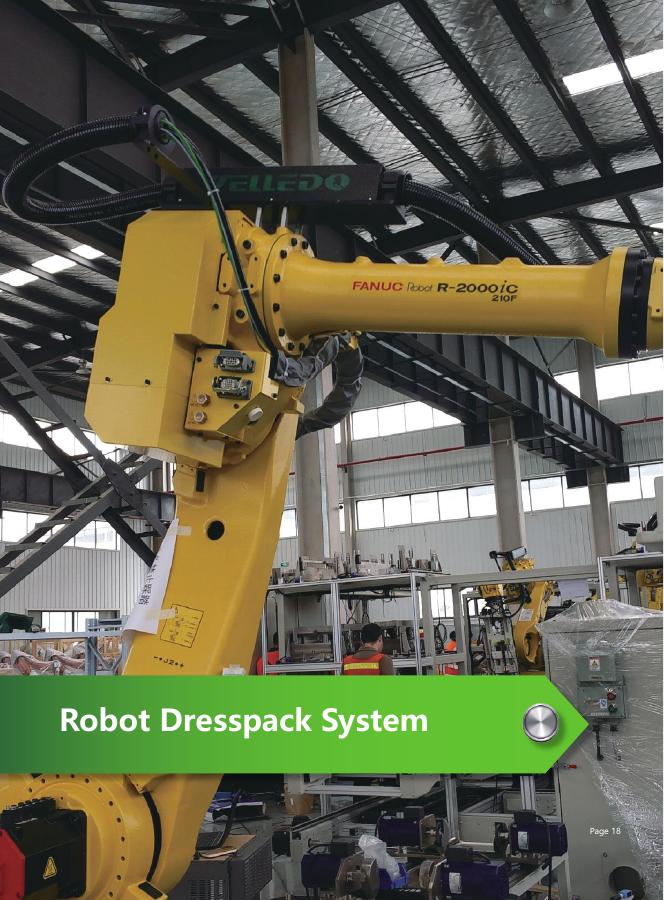
Find the document behind your specification.
The files below were transferred from the existing company download library. Use them for initial evaluation, then confirm the exact model, revision and project applicability with Wismaco.
No matching files
Try a broader product family or contact Wismaco with the model, drawing or project requirement so the right document can be checked.
Circular connectors
6 filesPDF · Product document
7/8 connector harnesses
7/8 cable assembly configurations and connection reference.
PDF · Product document
7/8 connectors
7/8 connector variants and technical selection data.
PDF · Product document
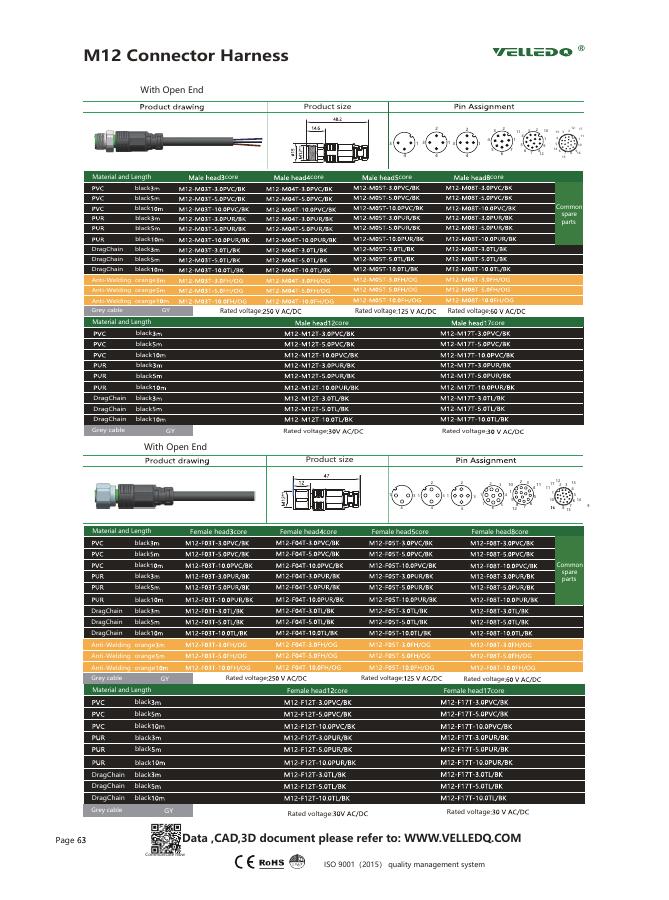
M12 connector harnesses
M12 cable assemblies, pin assignments and material options.
PDF · Product document
M12 connectors
M12 connector variants and dimensional reference.
PDF · Product document
M8 connectors
M8 connector variants and technical selection data.
PDF · Product document
M8 connector harnesses
M8 cable assemblies, connection options and application reference.
Heavy-duty connectors
3 filesPDF · Product document
Heavy-duty connector housings
Housing materials, sealing options and dimensional selection information.
PDF · Product document
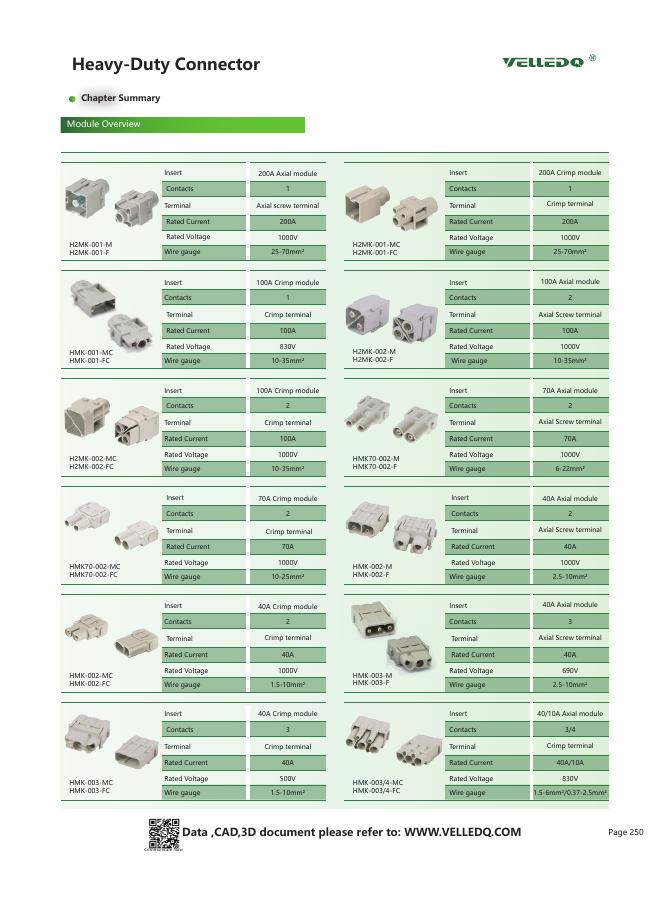
Heavy-duty connector modules
Modular contact arrangements and configuration reference.
PDF · Product document
Heavy-duty connector inserts
Insert variants, ratings and dimensional reference.
Junction boxes
3 filesPDF · Product document
Junction box catalogue 03
M8 and M12 distribution box configurations and application reference.
PDF · Product document
Junction box catalogue 02
Distribution box selection and connection reference.
PDF · Product document
Junction box catalogue 01
Junction box models, interfaces and dimensional reference.
Robot tubing systems
1 filesPDF · Product document
Robot tubing package catalogue
Robot dresspack configurations and application examples.
Need a document tied to an exact model?
Public catalogues support early selection. Drawings, certification evidence and installation instructions must still be checked against the selected item, manufacturer record and project scope.
Technical drawings
Request the available PDF dimension drawing, DWG, DXF, STEP or STP file using the exact product family and model.
Request a technical fileCertificates and test reports
Confirm the required standard, product model and intended use before relying on a certificate or model-specific test record.
Check document applicabilityInstallation guides
Share the product model, mounting condition and application so the relevant manufacturer instruction can be identified.
Ask for installation support